
Fable GambitBuild your story
through conversation
Meet Fable Gambit. Talk through your idea and shape every part of your story exactly the way you want it.
Create with GambitFrom the first idea to the final scene
How Gambit works
You don’t need a finished plot or the perfect prompt. Bring the spark. Fable guides you through the plan, the words, the voices and the pictures.
STEP 01
Plan your story
Talk through your idea. Shape the characters, audience and direction in a blueprint.
STEP 02
Refine your script
Develop the script together. Refine a scene, a line of dialogue or the whole ending.
STEP 03
Add audio and visuals
Direct the voices and sound, build your cast and world, then shape the storyboard.
01 / The blueprint
Plan your story
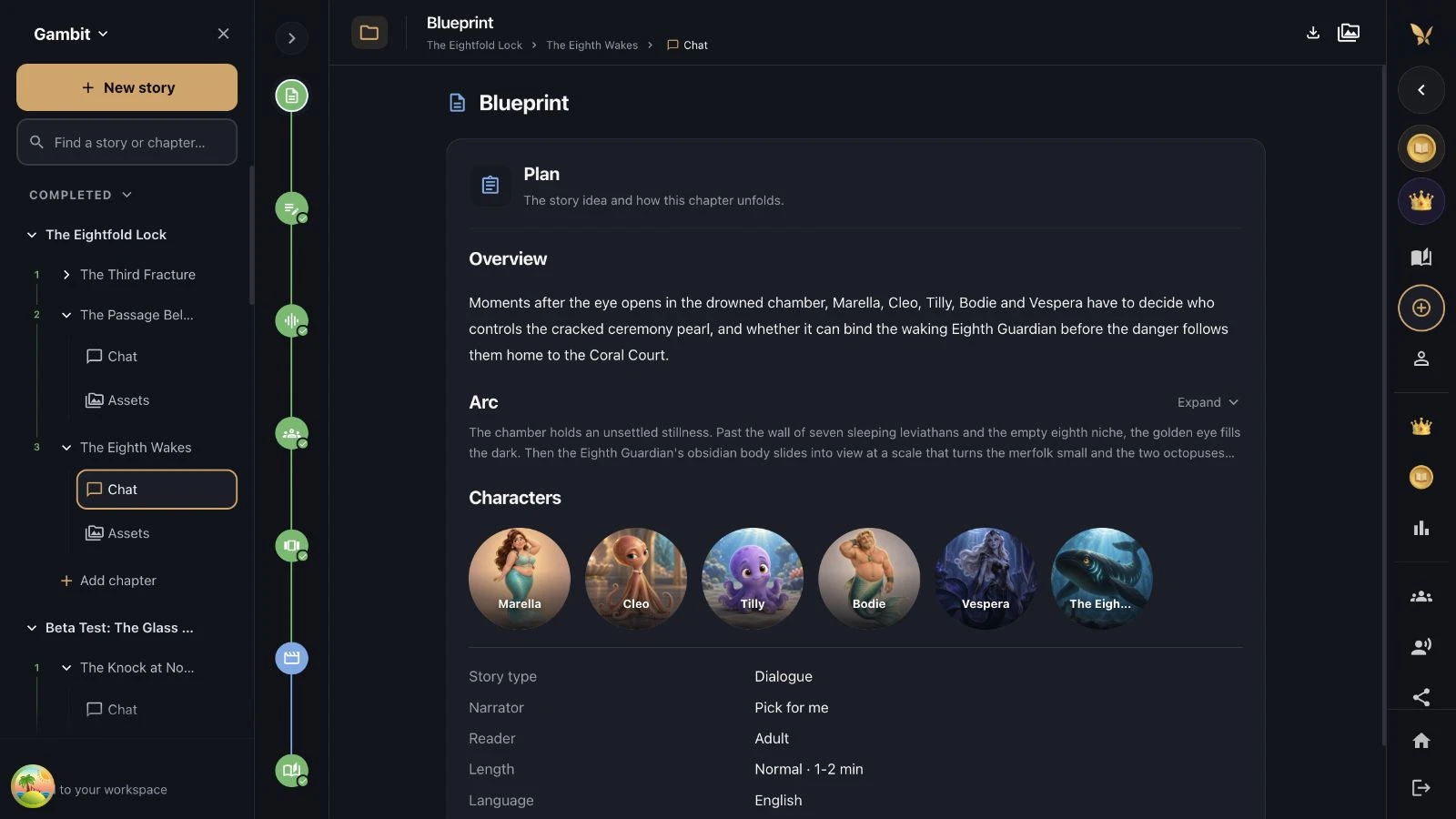
“I have an idea, but I don’t know where to start.” We’ve been there too. Gambit helps you explore who the story is for, who it follows and what makes it worth telling.
Together, you build a blueprint: a clear direction you can change before the writing begins.
“Keep the mystery, but give our characters a reason to trust each other.”
02 / The script
Write and refine your script
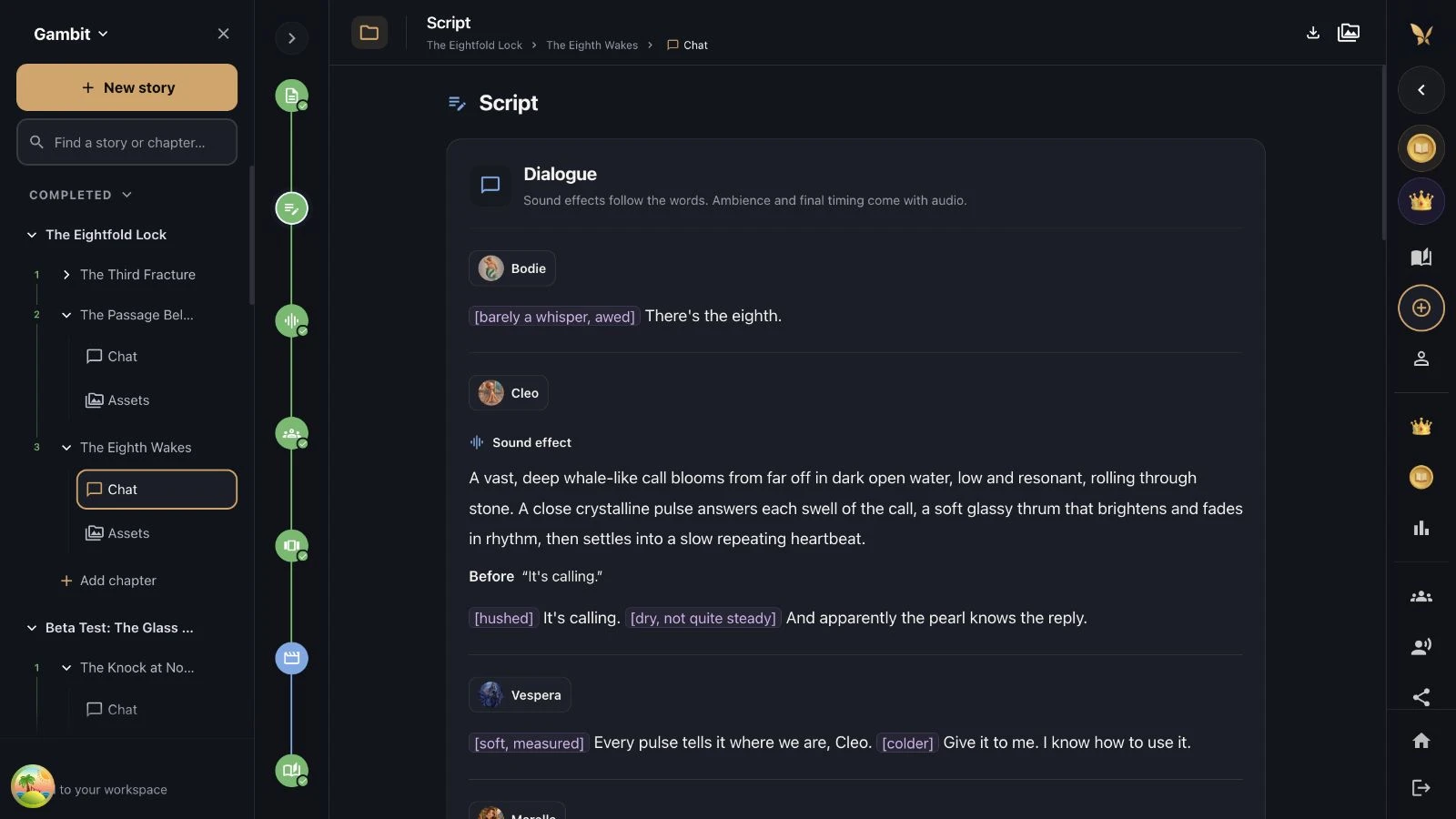
A character sounds too formal. A joke falls flat. The ending arrives too soon. You can be specific about what feels wrong.
Ask Gambit to rethink a scene, sharpen the dialogue or give the story more room to breathe. Read it. Refine it. Approve it when you’re ready.
“Let the character discover the answer. Less explaining, more feeling.”
03 / Voices & sound
Choose character voices and add sound
Give each character a voice. Shape the narrator’s delivery, the atmosphere and the moments where music should rise or fall.
Bring a voice from your Fable library, design a new one or use your own. Review the audio direction before generating a performance.
Explore Fable voices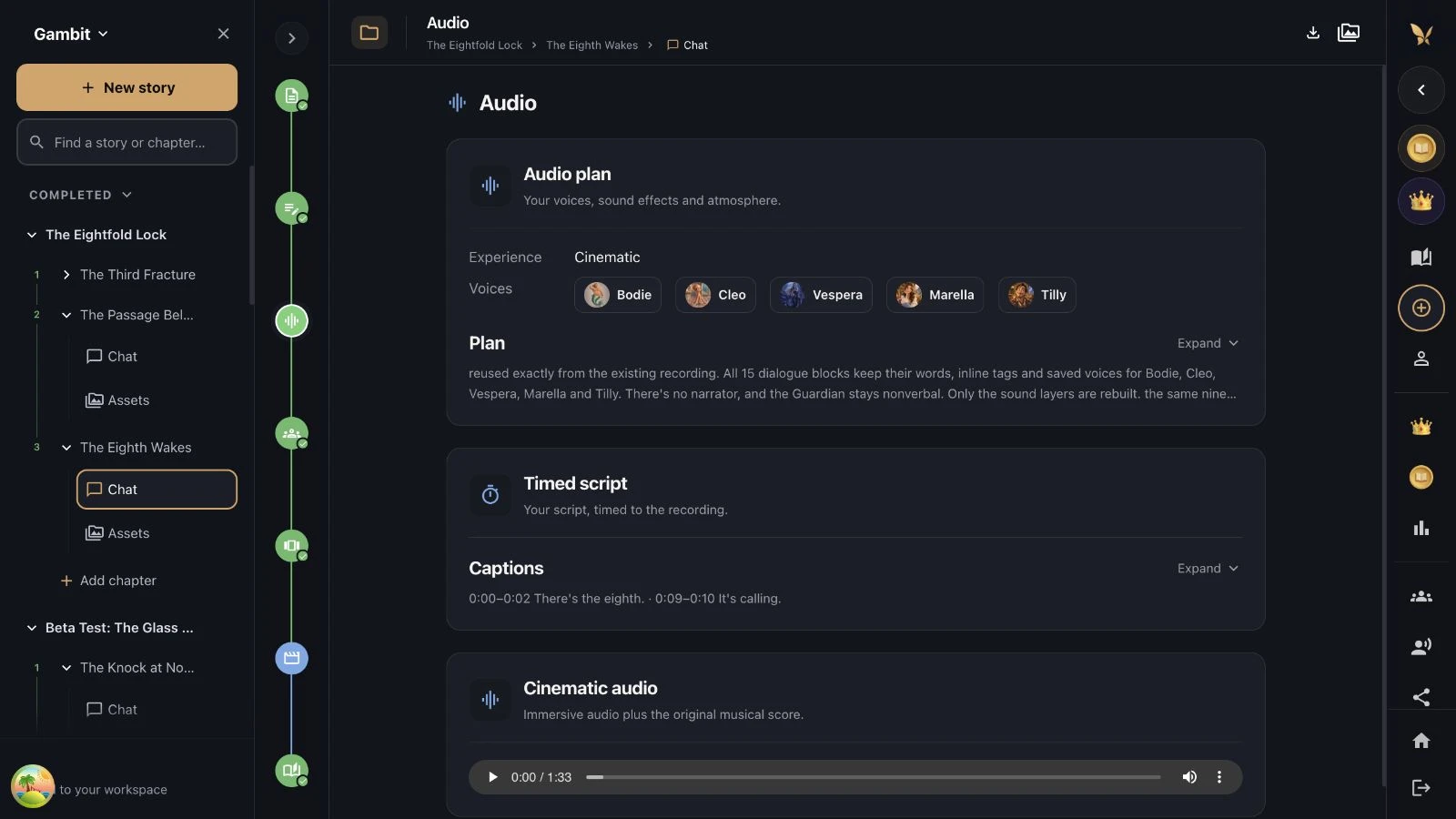
04 / Cast, world & storyboard
Build your cast, world and storyboard
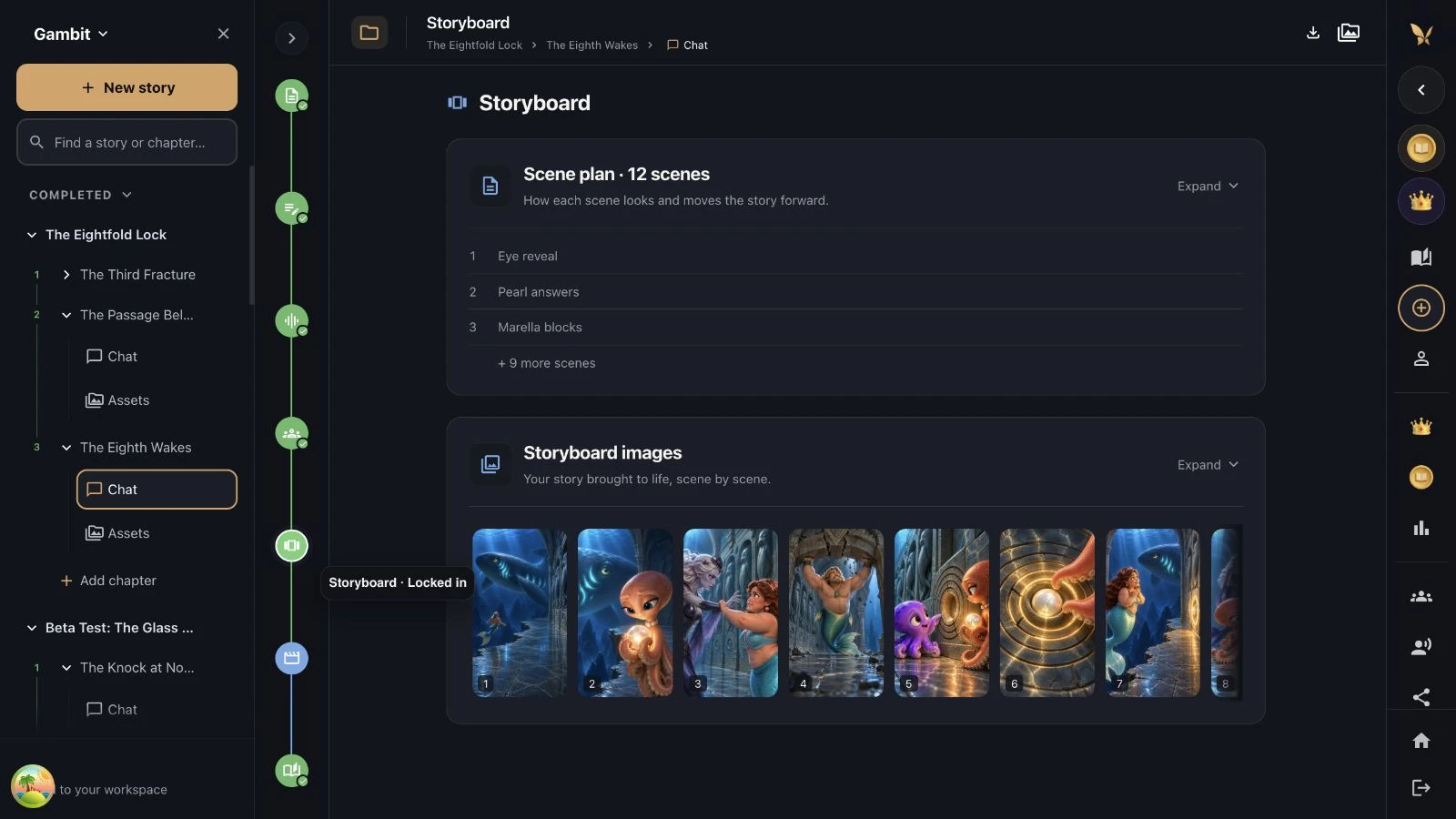
Build your cast and world, then develop your story scene by scene. Keep the look of your characters in view as the story unfolds.
An image not quite right? Refine the scene direction, choose the images you want to keep and revisit the ones that need another take.
“Pull the camera back. Make the world feel enormous and our hero feel very small.”
You bring the point of view
Guidance along the way
A book you’ve wanted to write. A character your audience will love. A bedtime adventure only your family could imagine. Conversational story building makes room for more people to become authors, one decision at a time.
Fable helps with the steps. You decide what matters, what changes and when it feels right.
Frontier AI, in your creative toolkit
Choose your favorite AI provider
Work with supported models from GPT, Claude, Gemini and more. Pick your preferred model or let Auto select choose for the task. Adjust the available reasoning level when you want more depth.
The model picker shows current availability and options. Models and token costs can change.
OpenAI
GPT
Anthropic
Claude
Gemini
Let Fable choose
Auto select
A story is only the beginning
Create books, audio and video
Build something to read, listen to, watch or hold in your hands.
Your next book
Continue across chapters. Bring your finished stories into Fable’s Book Builder to design and order a printed book.
Explore custom booksYour next episode
Develop a visual story, create a video and download it for your social channels. Give your audience a world to return to.
See story videosA story to listen to
Make an adventure feel close with character voices, narration, music and the atmosphere you imagined.
Meet the narratorsA little more to know
Frequently asked questions
Fable Gambit is a conversational AI story builder on the web. It guides you through a blueprint, script, audio, cast and world, storyboard, and video. You can discuss changes and review each stage as you build your story.
Fable Go is the familiar, simpler creation experience: choose your characters, describe an idea and let Fable build the story. Gambit gives you more control along the way, with conversation and review at each stage. Choose Go for a quick story or Gambit when you want to direct the details.
No. Start with an idea or explain what you want to change in ordinary language. You can ask for a gentler ending, more natural dialogue or a different atmosphere. Gambit helps you develop that direction into a story.
Gambit’s model picker includes supported models from families such as GPT, Claude and Gemini, alongside other available models. You can choose a model or use Auto select. The live picker shows the current selection and supported reasoning options; availability can change.
You can bring characters and voices from your Fable library into your story. Create an original character, personalize one with your photos, design a new voice or use your own voice. Only upload photos and recordings you have permission to use.
No. Planning and generation are separate. You can refine your direction and review the plan before approving a priced media generation action. Chat and generated media use tokens. Check Pricing & Plans and the in-app estimate for current access and costs.
Start creating with Gambit
Bring an idea. Build it together. Make something that feels like yours.