How to Make a Children's Book with AI in Under 5 Minutes

You Don't Need to Be an Author or an Artist
Let's get something out of the way right at the top: making a children's book used to be really, really hard. You needed to write a manuscript, find an illustrator, go back and forth on revisions, figure out page layouts, deal with printing companies, and somehow hold the whole project together for months. Most people who dreamed of making a book for their kid never got past the "that would be cool" stage. And honestly, who could blame them? The process was built for professionals, not for a parent with a bedtime story idea and thirty minutes of free time.
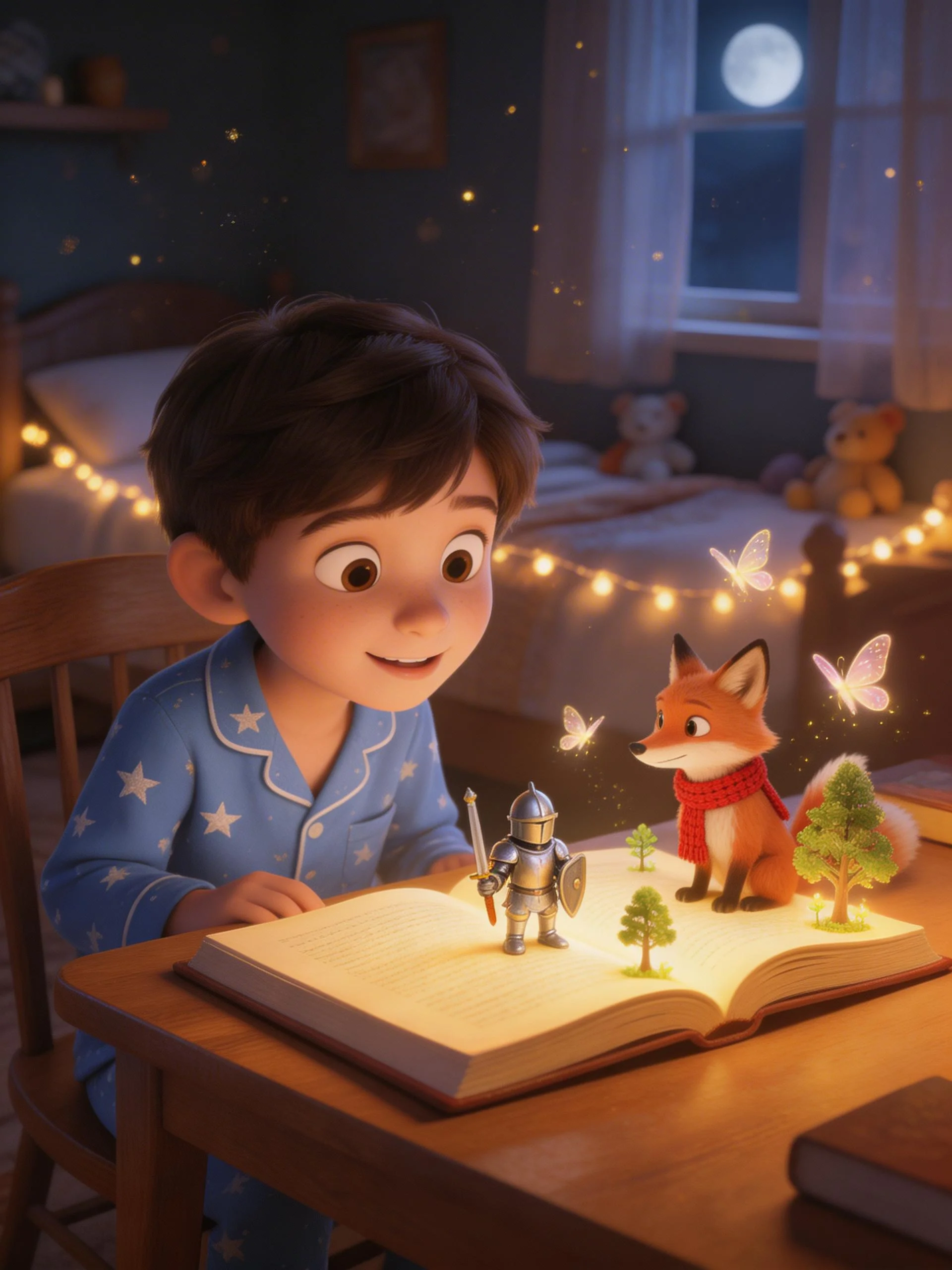
That has completely changed. AI has made it possible for anyone - literally anyone - to create a fully illustrated, beautifully narrated children's book in under 5 minutes. No writing degree. No design software. No artistic talent whatsoever. If you can describe what you want in a sentence or two, you can make a book. And not a janky, obviously-AI-generated one either. We're talking consistent characters, expressive narration, background music, the whole package.
Step 1: Start With a Simple Idea
Open Fable and you'll see a prompt asking what kind of story you'd like to create. This is where the magic starts, and it's way simpler than you'd expect. You don't need a plot outline or a three-act structure. You just need a spark. Something like "a story about my daughter Lily who's afraid of the dark and learns to be brave" or "a story about my son Max and his dog Biscuit going on a treasure hunt." That's it. That's your starting point.
You can also choose from story themes if you want a little inspiration. Maybe you want a story about sharing, or about starting at a new school, or about learning to ride a bike. Fable has prompts built in for dozens of common childhood moments and life lessons. But the best stories usually come from something personal - your child's name, their pet, their favorite thing, a challenge they're working through. The more personal the seed, the more meaningful the story.
Step 2: Customize Your Character
Here's where Fable really separates itself from other tools. After you describe your story idea, you create your character. And we don't mean picking from a handful of generic cartoon kids. You customize everything - skin tone, hair color, hair style, clothing, accessories. You build a character that actually looks like your child. Or like a fantasy version of your child. Or like a totally made-up character your kid invented during breakfast. Whatever you want.
The important thing is that once you create this character, they stay consistent throughout the entire story. Every single illustration features the same recognizable character. This sounds like a small detail, but it's actually huge. Most AI image tools generate a different-looking character every time, which breaks the immersion completely. Fable solved this problem, and it makes a massive difference in how the final book feels. Your kid sees themselves on every page, and they look the same on every page. That consistency is what turns a collection of AI images into an actual storybook.
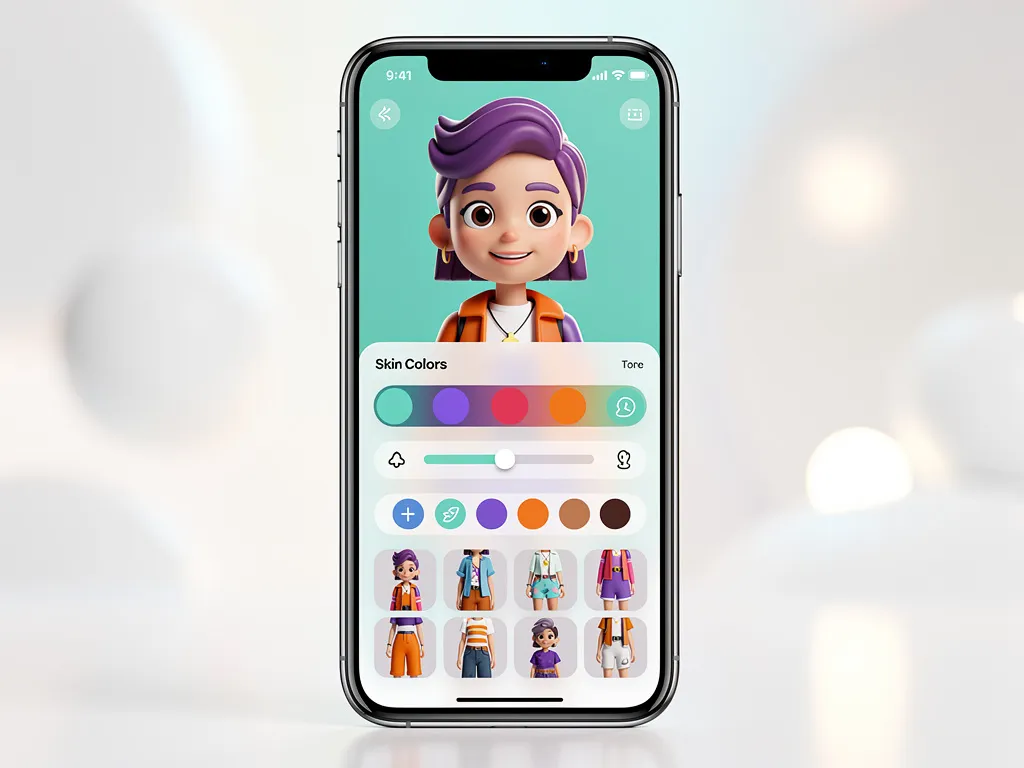
The character creator lets you dial in exactly how your protagonist looks. Hair, skin tone, outfit, accessories - build someone your child will instantly recognize as themselves. And once you've created a character, they're saved to your profile so you can star them in story after story.
Step 3: Let Fable Work Its Magic
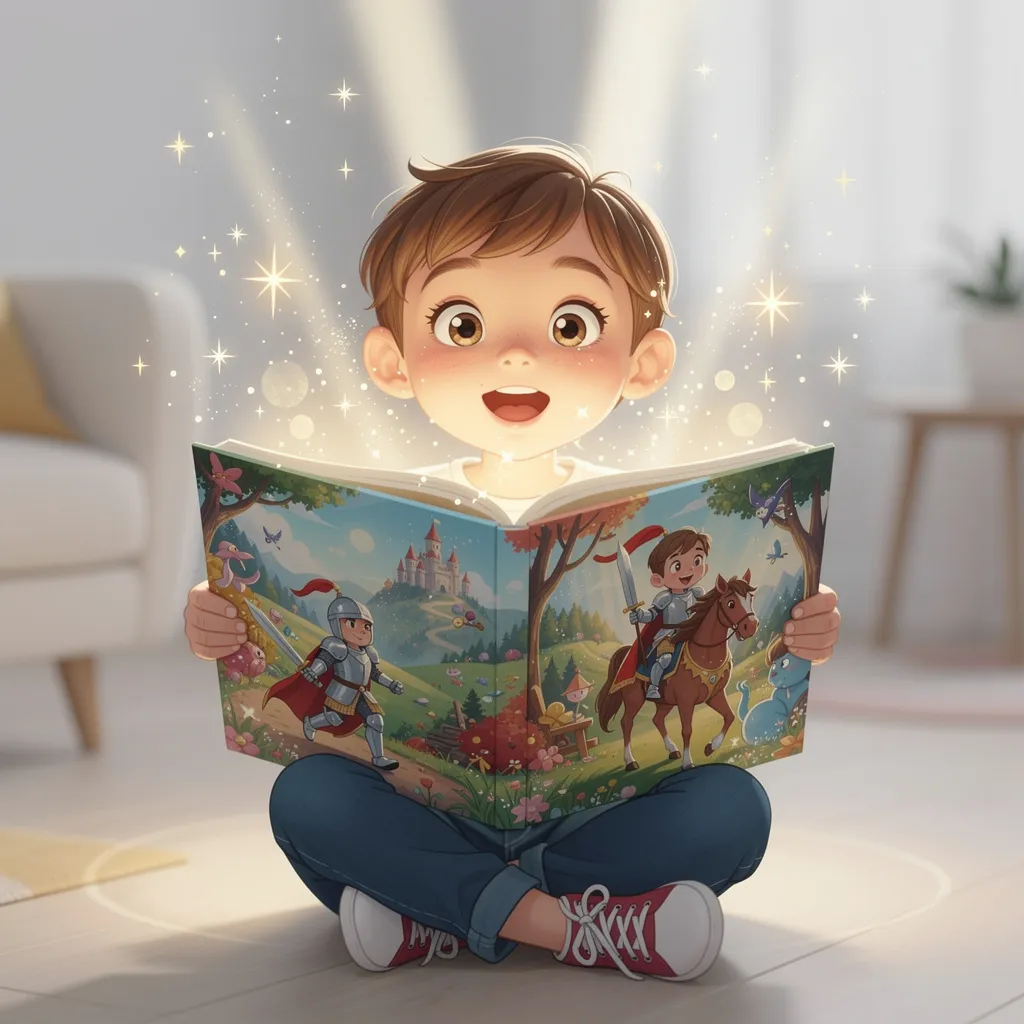
Once you've described your story and built your character, hit create. This is the part that still kind of blows my mind. In under 5 minutes, Fable generates a complete, multi-page illustrated story. Every page has original artwork featuring your character. The narrative is thoughtful and age-appropriate. The story has a beginning, middle, and end. There's character development. There are moments of tension and resolution. It reads like a real children's book because, well, it is one.
But it's not just a picture book. Fable also generates expressive narration - a voice that reads the story aloud with genuine emotion, pacing, and warmth. And underneath the narration, there's original background music that matches the mood of each scene. Exciting moments get exciting music. Quiet, tender moments get gentle melodies. The whole thing comes together as this rich, immersive storytelling experience that you created from a one-sentence idea less than five minutes ago.
Step 4: Review, Enjoy, and Share
After your story is generated, you can flip through it page by page, listen to the narration, and enjoy it with your child right there on your phone or tablet. This is honestly the best part - watching your kid's face when they see themselves as the hero of their own story. It never gets old. Kids light up in a way that's completely different from reading a store-bought book. This story is theirs. They're in it. It was made for them.
You can save stories to your library and come back to them whenever you want. They make incredible bedtime stories because your child already has a connection to the character and the narrative. And if you created it around a specific life lesson - like being brave at the dentist or being kind to a new classmate - it becomes a tool you can revisit whenever that situation comes up again.
Step 5: Print It as a Real Book
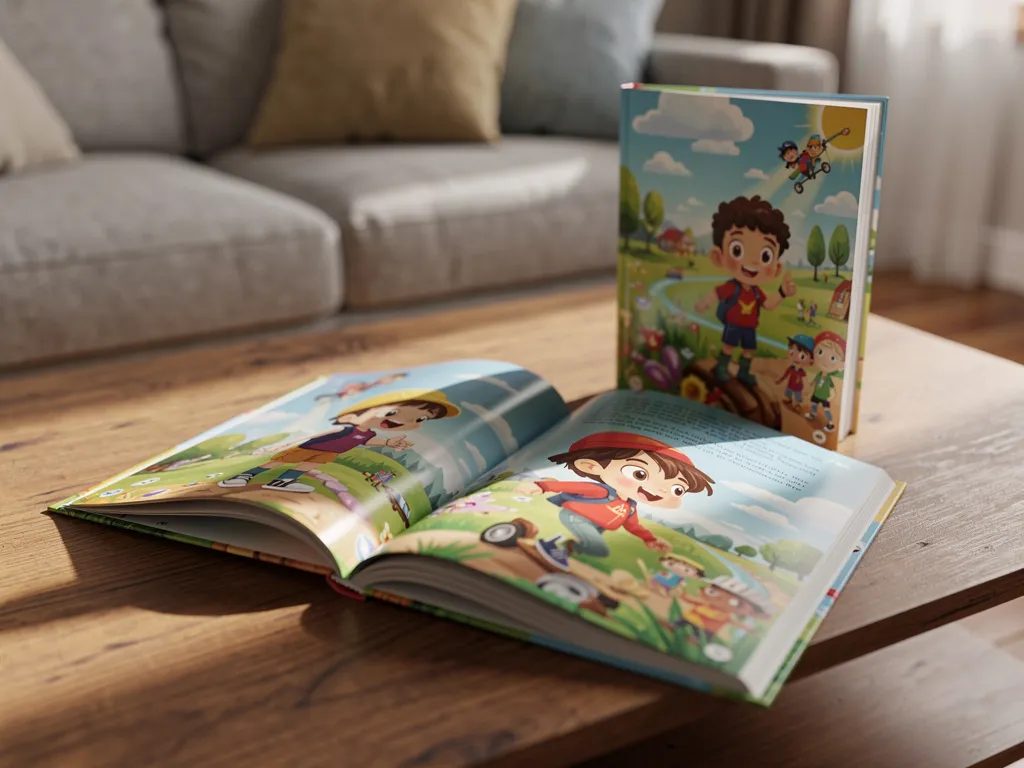
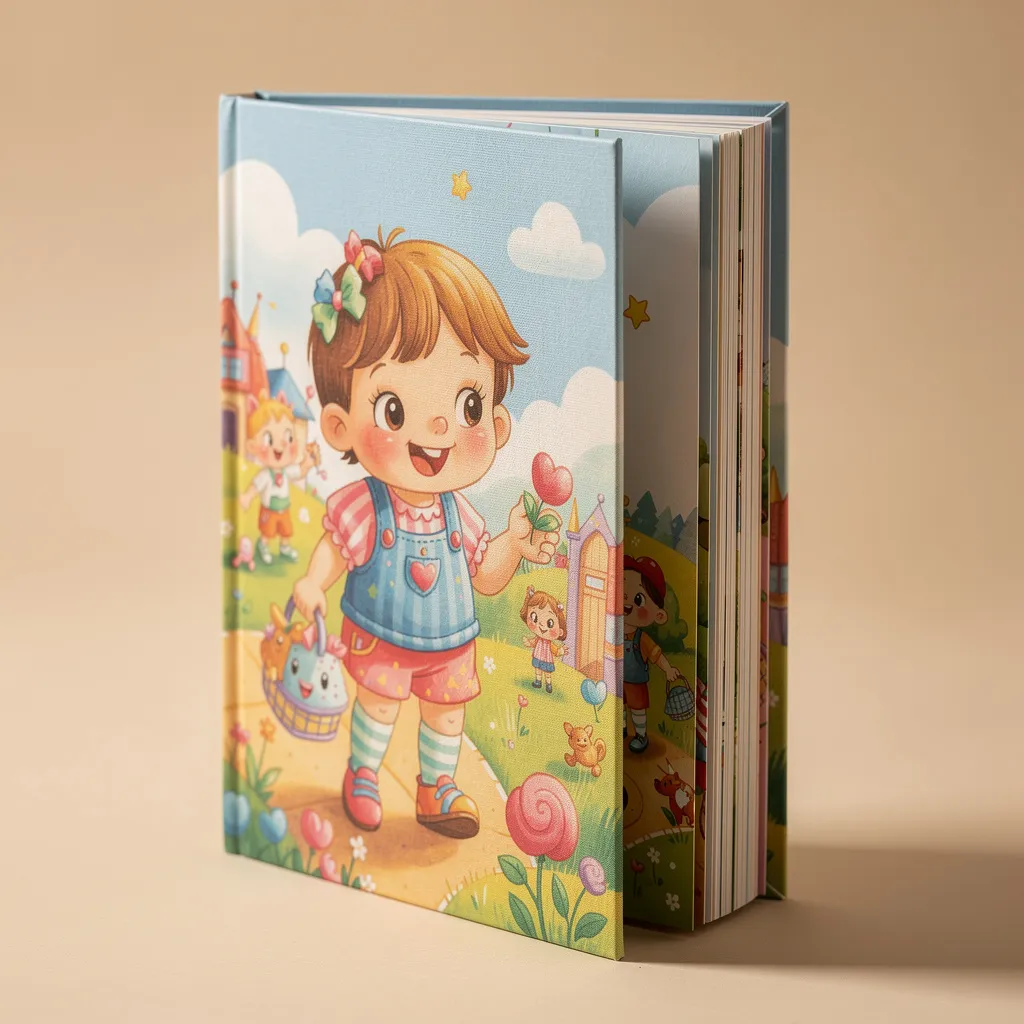
This is where the experience goes from digital to physical. With a couple of taps, you can order a professionally printed copy of your story. We're talking hardcover or paperback, high-quality paper, vibrant full-color illustrations. It arrives at your door looking like something you'd find on the shelf at a bookstore. Except the main character is your child, the story was written for them, and you made the whole thing yourself.
Printed Fable books make incredible gifts. Grandparents lose their minds over them. Birthday party gifts where the birthday kid is the hero of the story? Absolute showstopper. And because each book is printed on demand, you're not committing to a bulk order or dealing with inventory. You order one copy, or five copies, or twenty - whatever you need.
Why This Matters More Than You Think
Making a children's book isn't just a fun craft project, although it's definitely that too. Research consistently shows that personalized stories - stories where the child is the main character - boost engagement, reading comprehension, and emotional connection to the narrative. Kids pay more attention when the story is about them. They absorb the lessons more deeply. They want to read it again and again. And every time they do, they're building literacy skills, emotional intelligence, and a love of reading.
There's also something powerful about a parent creating a story for their child. It doesn't matter that AI did the heavy lifting. You came up with the idea. You chose the lesson. You built the character to look like your kid. That intentionality means something, both to you and to them. Years from now, your child will have a bookshelf full of stories that were made just for them, about the things they were going through at each stage of their life. That's a keepsake that no store-bought book can match.
Get Started Today
If you've ever thought about making a children's book - for your kid, for a niece or nephew, for a friend's child, for any reason at all - there has never been an easier time to do it. Fable removes every barrier that used to exist. No writing skills needed. No design skills needed. No budget for an illustrator. No months of back-and-forth. Just your idea, your character, and under 5 minutes. Download Fable and make your first story today. You'll wonder why you didn't do it sooner.
Frequently Asked Questions
How do I make a children's book with AI?
Download an AI story maker like Fable. Create a character using your child's name and appearance, describe the story you want (or let the AI suggest one), and it generates everything - illustrations, text, narration, and music. No design or writing skills needed. The whole process takes under 5 minutes.
What is the best AI storybook generator?
The best AI storybook generators offer consistent character illustrations, quality writing, multiple art styles, audio narration, and printing options. Fable does all of this and creates stories in under 5 minutes. The key differentiator is character consistency - your child should look the same on every page.
Can I sell AI-generated children's books?
That depends on the platform's terms of service. Fable is designed for personal use - creating stories for your own children, as gifts, or for educational purposes. If you are interested in commercial use, check the specific platform's licensing terms.
Do I need design skills to make a children's book?
Not with AI tools like Fable. You describe the character and story idea in plain language, and the AI handles illustrations, layout, narration, and music. The result looks professional without any design, writing, or technical skills on your part.
I regularly share updates on what I'm building and how I'm improving Fable.
Follow me on XReady to Create Your Own Story?
Create a story in your browser, or download Fable for iOS and Android. Add your own characters, illustrations, and narration.